 Proximity Learning Team
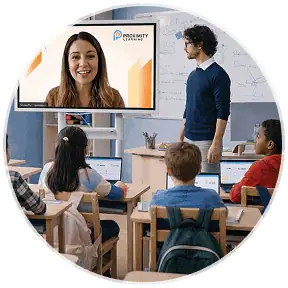
If you’ve ever watched a student stare at a screen during class, you know that being online doesn’t automatically mean being engaged. For principals and district leaders considering livestreamed instruction, that’s an understandable concern. Will students participate? Will they ask questions? Will they stay focused when their teacher is on a screen instead of standing at the front of the room? The answer depends less on the presence of screens and more on how they’re being utilized in the classroom. Effective virtual teaching is interactive, and built around real-time connection. Certified teachers trained in synchronous instruction use questions, discussion, games, collaboration, and other strategies to keep students involved throughout the lesson. An in-classroom facilitator reinforces that connection by supporting students and the teacher in the room. Here are seven ways certified teachers cultivate student engagement during online learning.
Key Takeaways
- Engagement starts with the teacher, not the format. A teacher’s training, ability to build interaction, ask questions, respond in real time, and adapt a lesson is a stronger factor in student engagement than whether the class takes place in a physical or virtual setting.
- Interactive lessons give students a reason to participate. Live polls, discussions, gamified quizzes, and collaborative activities ensure students are active participants.
- Gamification can make learning more engaging. Games, challenges, and quick knowledge checks give students ample opportunities to participate, apply what they’re learning, and get immediate feedback.
- The facilitator helps keep students connected. An in-classroom facilitator provides hands-on support, helps students stay focused, and reinforces the teacher’s instruction throughout the lesson.
Why Engagement Looks Different in a Livestreamed Classroom
Synchronous instruction fundamentally differs from pre-recorded video lectures because the teacher and students are participating in the lesson together. Pre-recorded video lectures are a passive form of instruction, designed for students to watch on their own. Synchronous instruction, on the other hand, is inherently active, as the teacher is continuously communicating with their students. That real-time connection changes what engagement can look like. A teacher trained in synchronous instruction can ask a question and get an answer immediately, notice when students are confused, adjust the lesson, and invite students back into the conversation. Students can ask questions, work with classmates, respond to polls, and participate in activities as the lesson unfolds. Livestreamed instruction creates its own opportunities for active participation, using real-time interaction to keep students connected to their teacher and classmates throughout the lesson. Teachers specialized in synchronous instruction are trained to build interaction into the lesson, rather than simply placing a traditional lecture in front of a camera. With an in-classroom facilitator supporting students on site, the teacher also has another layer of support to help maintain participation and keep the class connected.
Online Learning: 7 Tactics for Student Engagement
- Real-Time Polling and Live Q&A
Instead of asking students to listen and wait until the end of a lesson to speak, certified teachers can build questions and quick polls into the lesson as they go. Students get frequent chances to respond, check their understanding, and see how their classmates are thinking and responding to the material. The in-classroom facilitator is there to make sure students are participating and step in when students need help navigating an activity.
- Gamified Quizzes Tied to the Lesson
Certified virtual teachers can use games, challenges, and quick competitions to give students a reason to participate. A class might answer questions for points, work through a timed challenge, or try to beat a previous score. A facilitator can encourage students to participate, help manage the activity in the classroom, and keep the momentum going.
- Small-Group Breakout Discussions
Sometimes the best way to get students talking is to give them a smaller audience. Breakout discussions let students work through a question, solve a problem, or explain an idea with a few classmates. Instead of hearing from the same two or three students during a whole class discussion, more students get a chance to contribute. Meanwhile, the in-classroom facilitator can help students transition into groups and stay focused on the task.
- Calling on Students by Name, Same as In-Person
Calling students by name is one simple way certified teachers create a personal connection. A teacher might ask, “Marcus, how did you get that answer?” or check in with a student who has been unusually quiet. The in-classroom facilitator can also help the teacher stay connected to what is happening in the room, including which students may need an extra nudge to participate.
- Visual, Interactive Slides Instead of Lecture Slides
Effective virtual teachers use visuals and interactive elements to help students work through a lesson. A teacher might reveal the steps of a math problem one at a time, annotate a diagram, ask students to predict what happens next, or use an image to spark discussion. The in-classroom facilitator can help students stay on task and provide hands-on support as they work through interactive activities.
- Peer Collaboration Tools Built Into the Platform
Peer collaboration gives students opportunities to compare ideas, solve problems, explain their reasoning, and learn from one another. A teacher might have students work together on a challenge, discuss different approaches to a problem, or create something as a group. Students move from listening to discussing to applying what they have learned. The facilitator can support this process by helping students stay organized and engaged in the classroom.
- Coordinated Support From the In-Classroom Facilitator
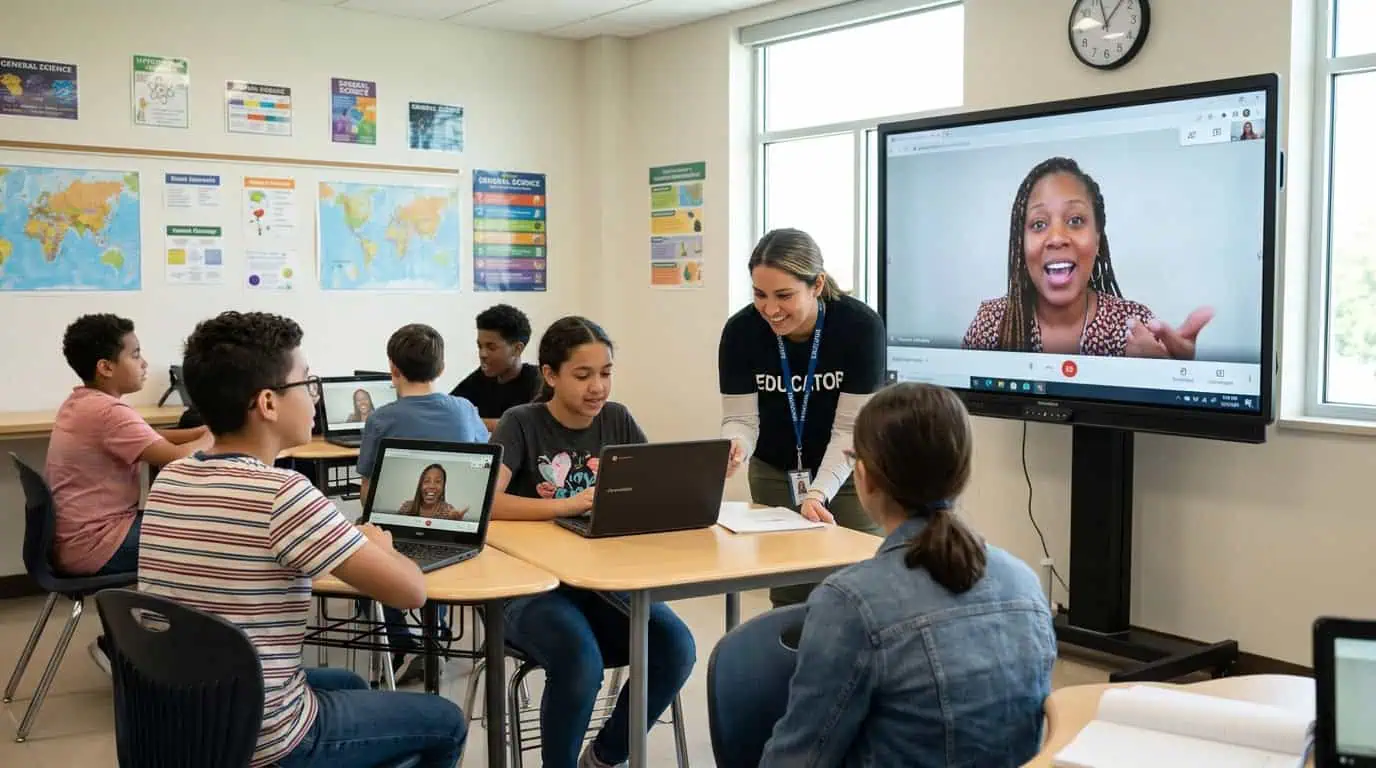
While the certified teacher leads instruction, the in-classroom facilitator can support classroom routines, help students participate, manage on-site logistics, and communicate with the teacher about what is happening in the room. That two-way connection matters. If students are confused, distracted, or having trouble with an activity, the facilitator can help address the issue while the teacher continues leading instruction.
Strategic Recommendations for Principals
What to Ask a Provider About Engagement Training
Start by asking how teachers are trained specifically for synchronous instruction. Livestreamed teaching requires many of the same skills as teaching in person, but it also calls for strategies that make interaction intentional. Ask providers:
- How are teachers trained to keep students participating throughout a lesson?
- What interactive tools and activities do teachers use?
- How do teachers recognize when students are disengaged or confused?
- How do teachers adjust instruction in real time?
- How do teachers and in-classroom facilitators communicate during class?
You can also ask to see a sample lesson or speak with someone who has experience delivering synchronous instruction. The goal is to understand what engagement looks like in practice, not just how a provider describes it.
How to Support the In-Classroom Facilitator
The facilitator is an important part of the classroom experience, so it’s essential to make sure they have a clear role from day one. Principals should ask how facilitators are prepared to support synchronous instruction and what communication looks like between the facilitator and teacher. Both should understand who is responsible for instruction, classroom routines, student participation, and day-to-day communication. It also helps to establish simple routines. Make sure students know how to ask questions, participate in activities, and get help when they need it. Give facilitators a clear way to flag concerns to the teacher. When the teacher and facilitator understand how to work together, students have a more consistent experience. The teacher can focus on instruction while the facilitator provides the in-classroom support that helps students stay connected.
Signs Engagement is Working
You don’t have to guess whether students are engaged. Look for what they are actually doing. Are students asking questions? Responding to polls? Participating in discussions? Working with classmates? Completing activities? Volunteering answers without being prompted? Look for consistency, as well. A class can have one energetic discussion and still struggle with engagement overall. Talk with teachers and facilitators about participation patterns and watch for students who regularly disengage. Academic data can provide another piece of the picture. As an example, Proximity Learning uses LinkIt pre- and post-test data to track student progress. During the 2024-2025 school year, Proximity Learning reported post-test gains across all eight tested subjects, including 23% in Chemistry and 22% in both Algebra II and Biology. Make a holistic evaluation of student participation, classroom observations, teacher feedback, and student outcomes. This will provide you with a much clearer picture of whether students are actively learning.
Transforming Student Learning
Keeping students engaged during livestreamed instruction comes down to providing them with opportunities to engage and participate. Real-time questions and polls can turn a lesson into a conversation. Gamified activities make practice feel more active. Small-group discussions and peer collaboration give students opportunities to explain, solve, and learn together. Behind it all, a strong partnership between the certified teacher and in-classroom facilitator helps students stay connected to the lesson. For principals considering livestreamed instruction, the right questions go beyond whether students can learn online. Ask how the teacher is trained to engage students, how the classroom is supported, and how engagement and academic progress are measured. Learn More about how Proximity Learning connects students with certified teachers through live, synchronous instruction.
FAQs
- What does student engagement look like in a livestreamed class?
Student engagement looks like active participation, not simply watching a teacher on a screen. Students might answer questions, join discussions, complete interactive activities, collaborate with classmates, or ask for help. A certified teacher can also adjust instruction based on how students respond during the lesson.
- How do virtual teachers keep students from tuning out?
Certified virtual teachers build interaction into the lesson from the start. Real-time questions, polls, gamified quizzes, discussions, and collaboration give students frequent reasons to participate. Teachers can also call students by name, check for understanding, and adjust instruction when they notice attention starting to slip.
- Does livestreamed instruction actually improve test scores?
Test scores depend on many elements, and livestreamed instruction is certainly a factor that can support academic growth. That’s why Proximity Learning evaluates pre- and post-test data alongside classroom engagement. During the 2024-2025 school year, Proximity Learning reported post-test gains across all eight tested subjects.
- Isn’t online instruction inherently less engaging than in-person?
Not necessarily. The format itself does not determine how engaged students will be. A pre-recorded video lecture and a live, interactive class create very different experiences. Synchronous instruction gives teachers opportunities to ask questions, respond in real time, and build relationships with students.
- What if my students already have short attention spans on screens?
That’s a reason to make the lesson more interactive, not a reason to assume students cannot engage online. Frequent questions, activities, collaboration, and personal connection can break up passive screen time. An in-classroom facilitator can provide additional support and help students stay focused throughout the lesson.